
Booking Rules and Setup
Can I block certain tables from online bookings?
How to stop online bookings on certain tables.
If you have a certain table you wish to stop taking online bookings for, you can make changes to this by accessing your table plan.
Table Layout
You need to click the specific table you wish to block from online bookings. Once selected you will be able to see the tables details (i.e; covers, area, delete etc..).
Then select the 'No Web Book' button so this is highlighted blue and then click 'edit table' and 'save' so the updates are now saved to your table layout.
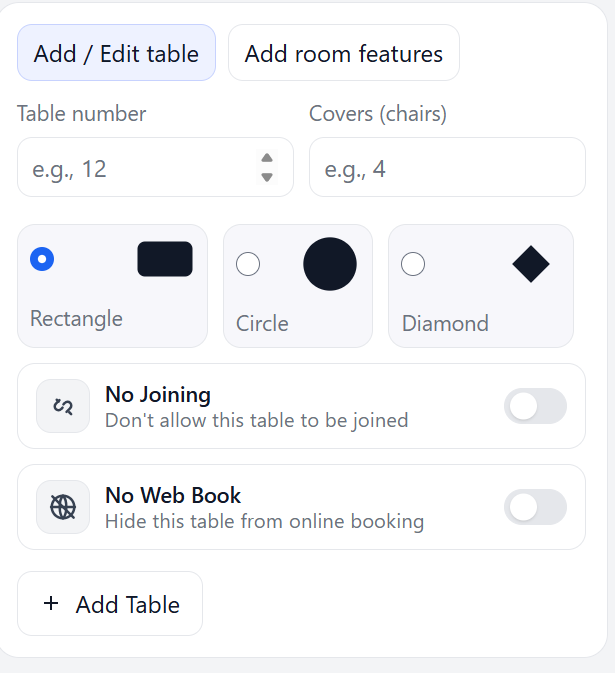
You will need to do this individually for each table you wish to close off from online bookings. If you wish to re-activate the table for online bookings, you take the same steps but click the "No Web Book" to un-tick this and save again.