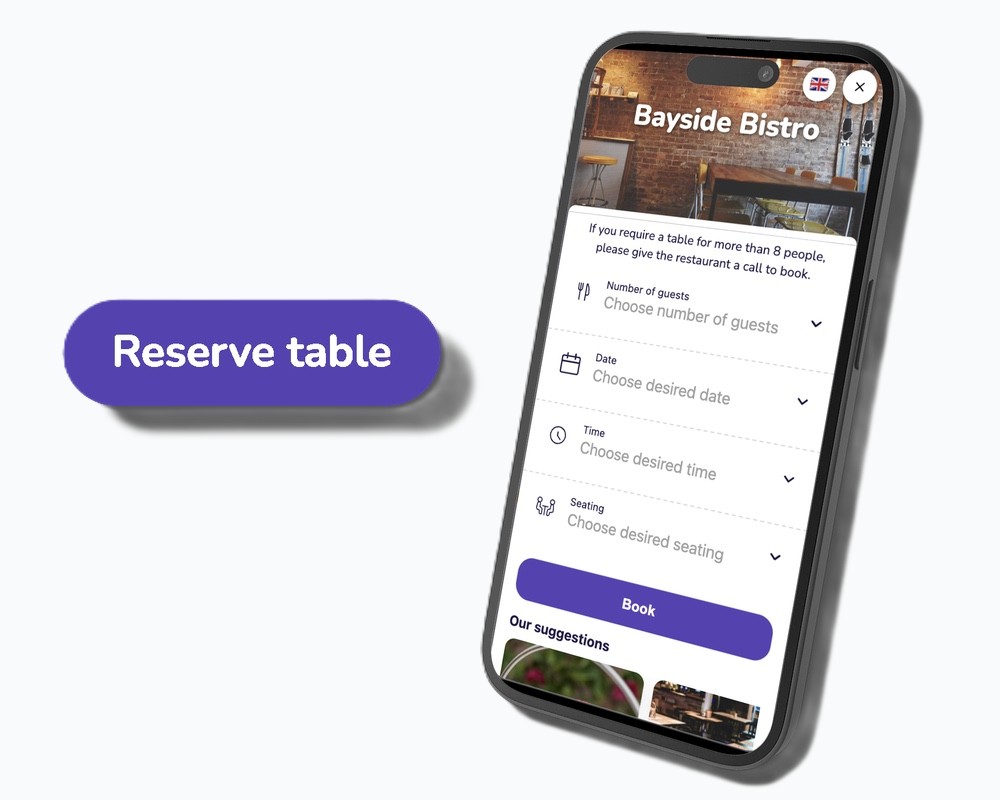
Customising the online widget to process bookings through your website
Change the online booking widget to reflect your brand.
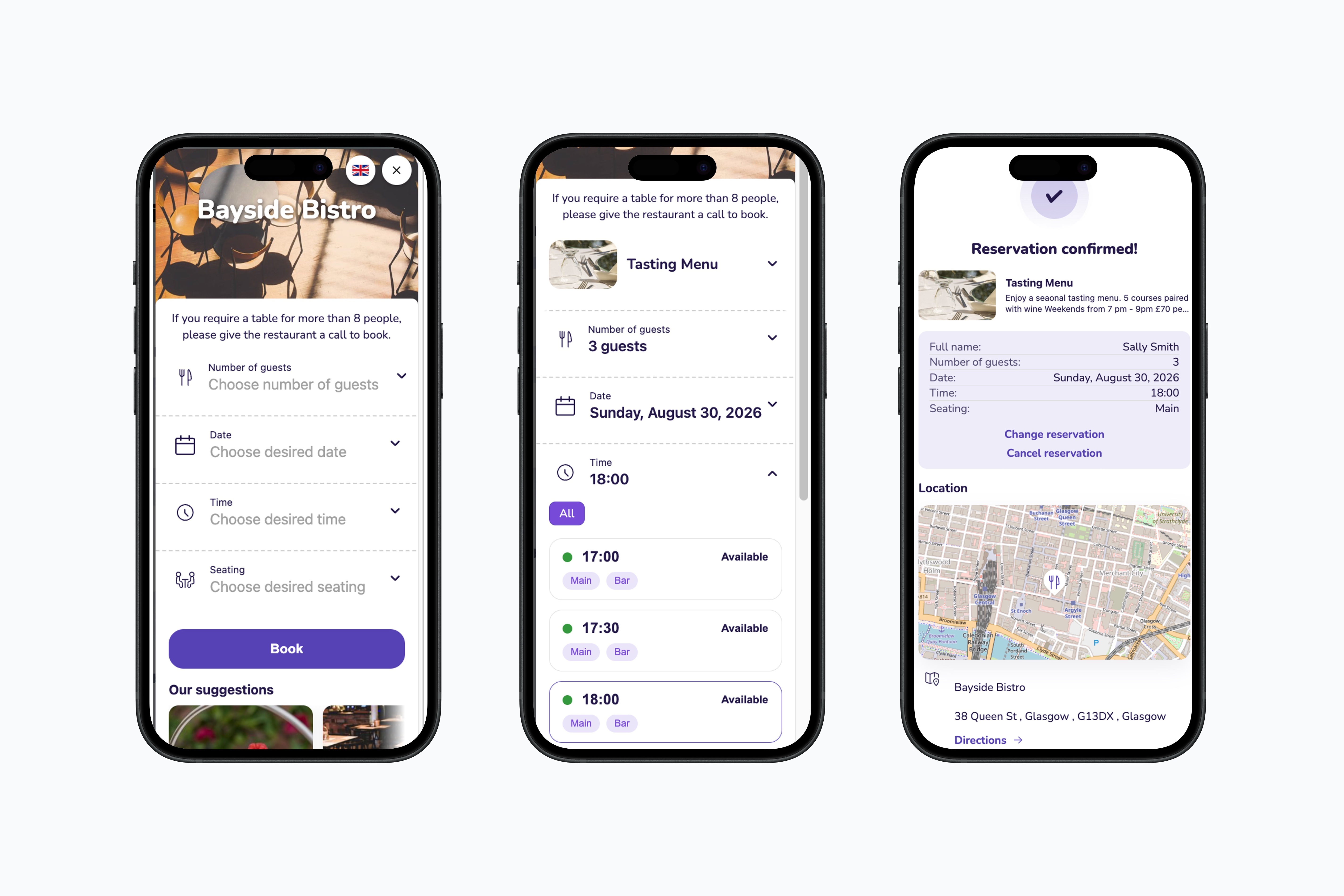
The Widget UI setting allows you to customise your simpleERB online booking widget, helping you personalise the booking experience to better reflect your restaurant's brand.
Customisation Options
You can adjust the following elements of your widget:
- Hero Background: The main image displayed throughout the widget.
- Hero Title Colour: The font colour for your venue's name.
- Theme Colours:
- Brand Colours: Primary colours for buttons, links, and accents.
- Text: Colour options for different text sections.
- Surfaces: Background colouring.
- Status: The traffic light system for availability.
- Typography & Shape: Adjust the text design and the overall shape of the widget.
Preview and Save
You can view how your changes will appear in the 'live preview' display box. Once you are satisfied with the design, click 'Save Changes' to update and push the new look live to your website.
Defaults and Presets
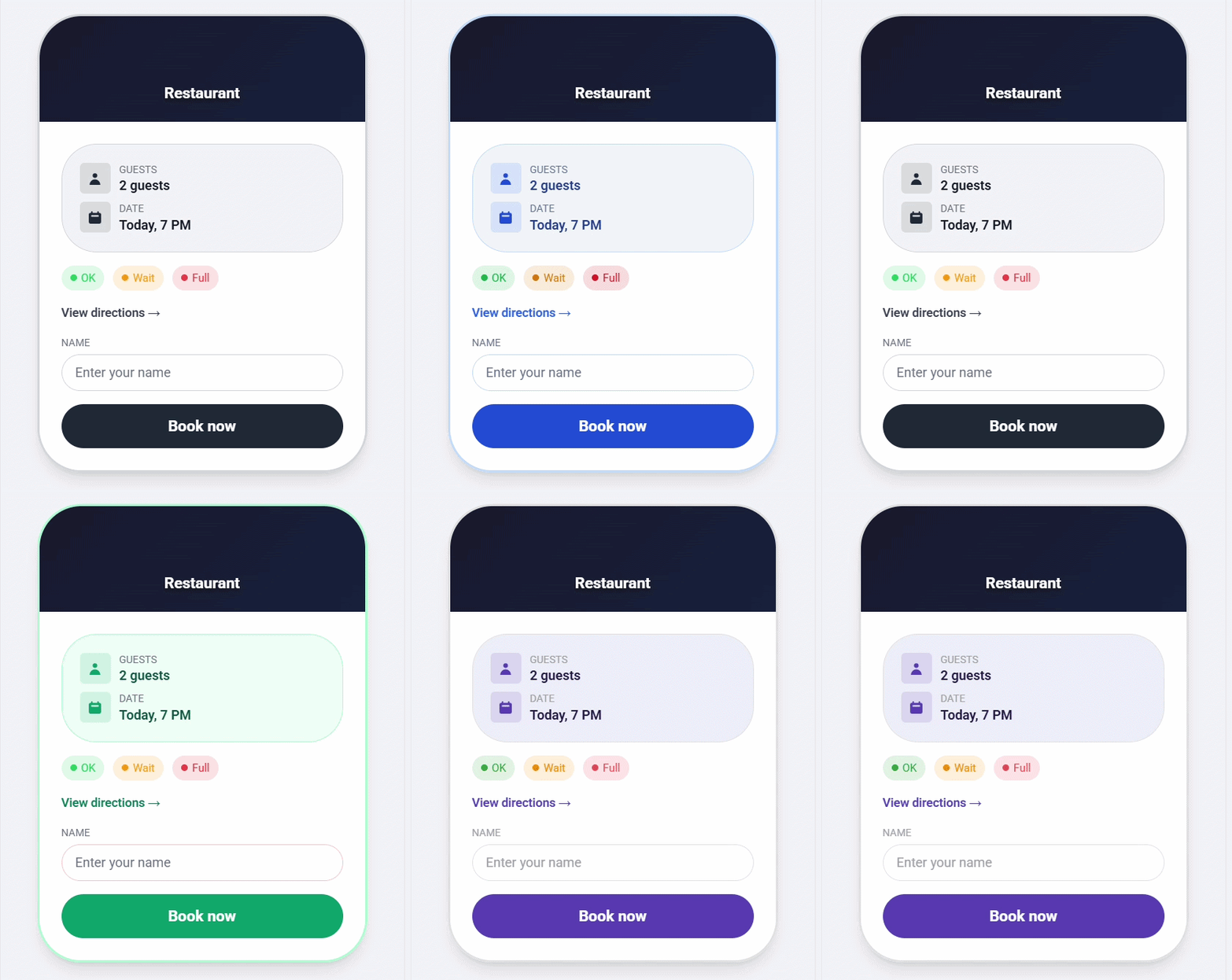
The default design follows the standard simpleERB purple theme. You can reset your widget to this default at any time, or use the 'quick presets' to apply a new theme throughout the widget instantly.
Note: Widget UI changes apply only to the simpleERB booking widget. They are not reflected in third-party booking integrations such as Google or Meta (Facebook/Instagram).